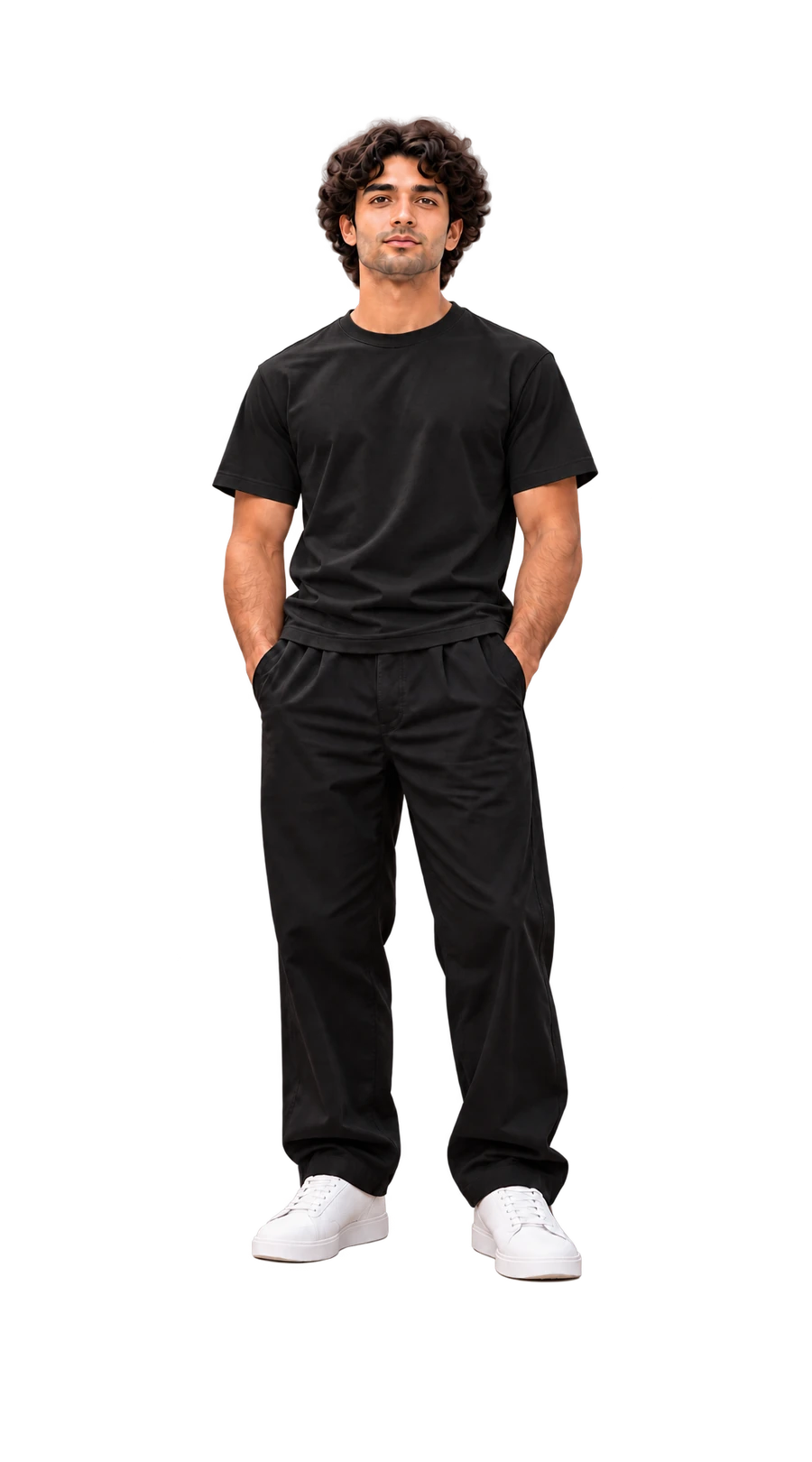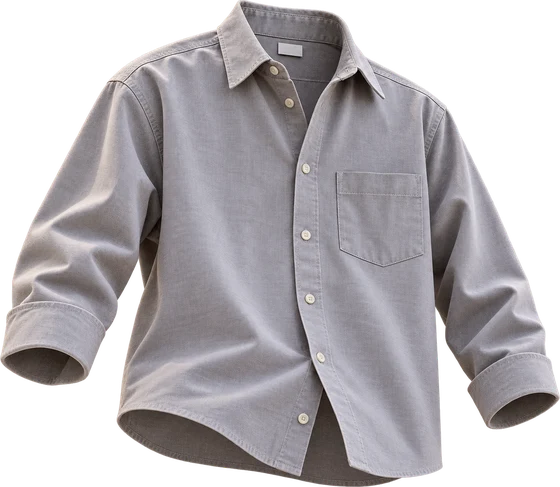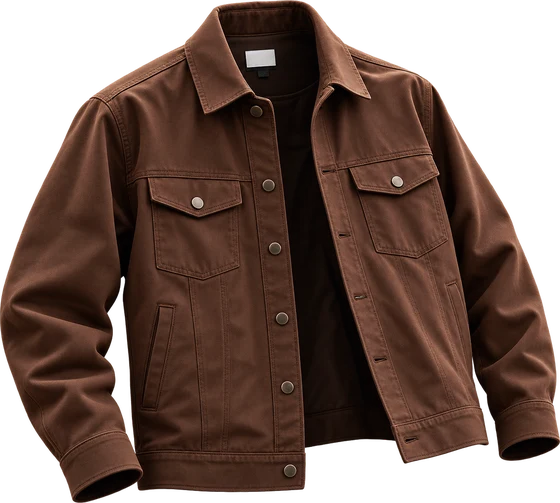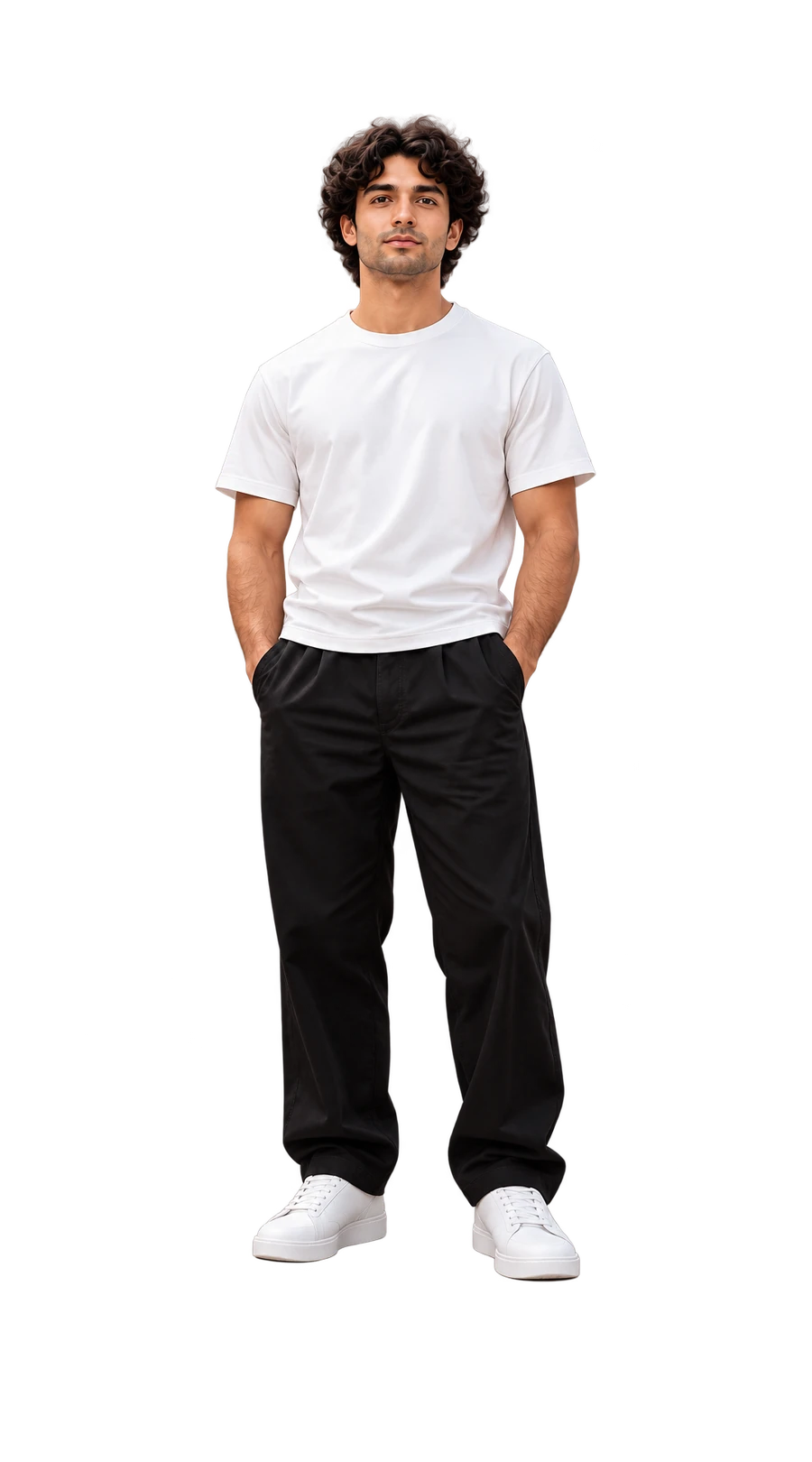
Shopper trying clothes on
Founding 20 · 1 month free

Fashion
from the future.

The AI fitting room for your online store. Shoppers try clothes on themselves, get their size, then buy.

Join the Founding 20 No card · one line of code
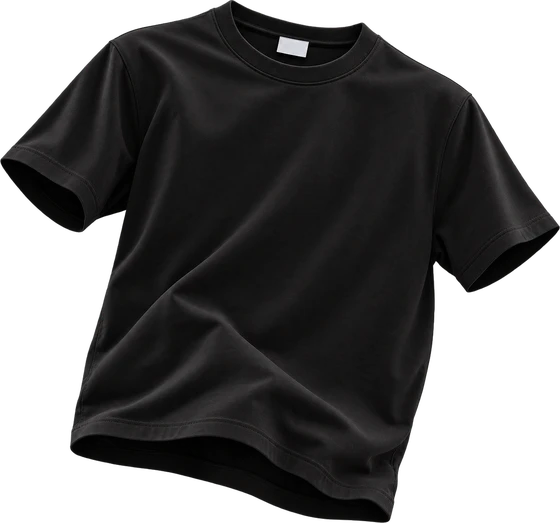
AI try-on · White tee Tap a piece to try it on
From one line of code to a sale.

Four steps. No dev team and no app to install: your shoppers try on and buy right on your product page.

  1. 01

    Add one line

    Paste the VADR script into your store. That's the whole setup.

  2. 02

    A Try on button appears

    The widget adds a Try on button to every product page. Nothing else changes.

  3. 03

    Shopper adds a photo

    One tap opens VADR. The shopper uploads a photo of themselves.

  4. 04

    Sees it on, gets the size, buys

    They see the piece on themselves with the size that fits them best. In stock: Add to cart. Sold out: Notify me.

yourstore.com/black-tee
AI try-on
VADR · Try on Add your photo
Tap to upload
Fitting it on you…
Your store Black tee EGP 450 Try on with VADR
SizeRecommended · M
SMLXL
M · In stockM · Sold out
Add to cartAdded ✓ Notify meWe'll let you know ✓
layout / theme.liquid
  1. <head>
  2. {{ content_for_header }}
  3. {{ 'theme.css' | asset_url | stylesheet_tag }}
  4. <!-- VADR fitting room -->
  5. <script src="…/vadr.js"
  6. data-store="YOUR-STORE" defer></script>
  7. </head>
Saved · that's the whole setup ✓

Three things, one widget.

Everything comes in the same script. Your shoppers get a fitting room; you get the numbers.

The shopper's own photo The same shopper wearing the black tee Their photo Wearing it
Your sizeRecommended · M
SMLXL
  • ChestFits well
  • ShouldersFits well
  • LengthA bit long
From their photo + your size chart
VADR dashboard · last 30 daysExample data
Try-ons0
Add to cart after try-on0
Sizes recommended0
Sizes picked
  • S18%
  • M42%
  • L28%
  • XL12%
Most tried
  • Black tee412
  • Shirt305
  • Jacket221

20 stores. One month free.

We're opening VADR to our first 20 online stores. Try it on your real shoppers for a month, with no card and no contract.

  • 100 AI try-ons for your shoppers
  • Smart size on every product
  • The full analytics dashboard
  • Setup help from our team
Claim a spot

Physical shop only? Leave your details and we'll be in touch.

Claim your spot.

Tell us about your store and we'll get you set up. It takes a minute.

  • No card needed
  • 1 month free, 100 AI try-ons
  • We help you set it up

Good to know.

Still have a question? Talk to us

You add one line of code to your product pages, and our team helps you set it up.

It works on any store website where you can add a script: Shopify, WooCommerce or your own site. Not sure? Ask us.

Usually one to three minutes. Your shopper keeps browsing while it's made.

Nothing is charged, since we never ask for a card. We'll talk with you about a plan before the month ends.

The Founding 20 spots are for online stores. Physical shops can leave their details and we'll be in touch.

They're used only to make that shopper's try-on.